
728x90

ELK로 클러스터 구성하기
💡 EKS 구성을 위해 필요한 내용
- 클러스터 이름
- 버전
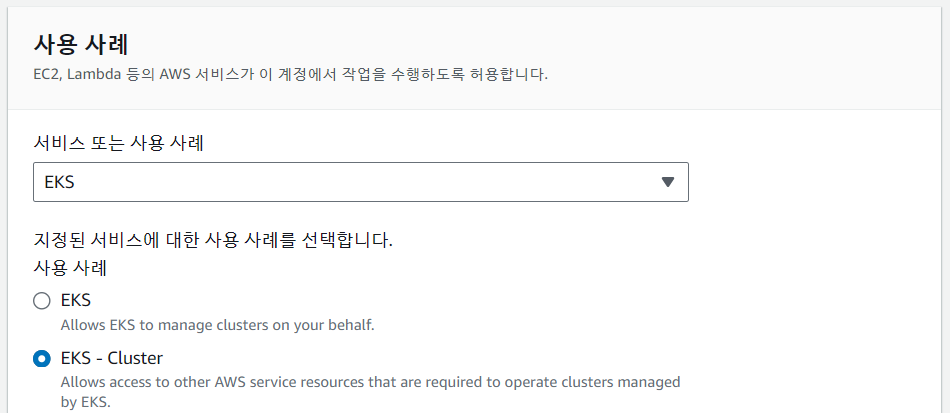
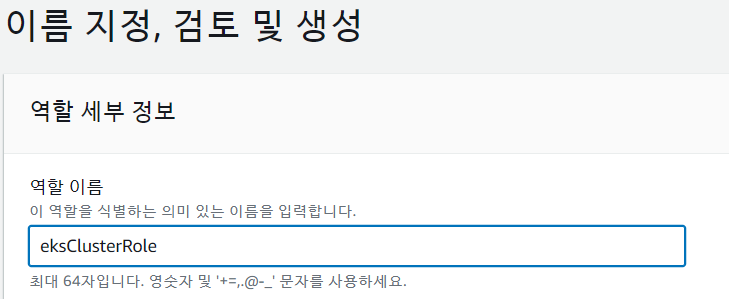
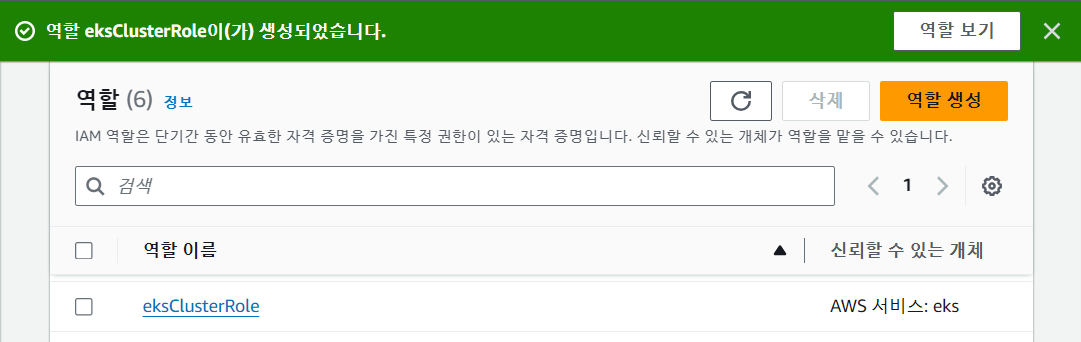
- eksClusterRole
- VPC/subnet
- 보안그룹
💡 CloudFormation
구성들을 하나씩 선택하여 설치하는 방법은 시간, 재사용성 면에서 불편함이 많다.
이를 해결하기 위해서는 "선언적 언어"를 사용하여 IaC 도구를 통해 구성하는 방법을 사용한다.
💡 eksctl
eks 구성을 간단히 할 수 있는 도구
eksctl을 이용하여 eks 구성을 진행하게 되면 cloudformation이 자동으로 작성된다. 각 서비스에 연결하여 필요한 자원을 생성하고 서로 연결한다.
✅ 역할 생성
• IAM > 역할 > 역할 생성
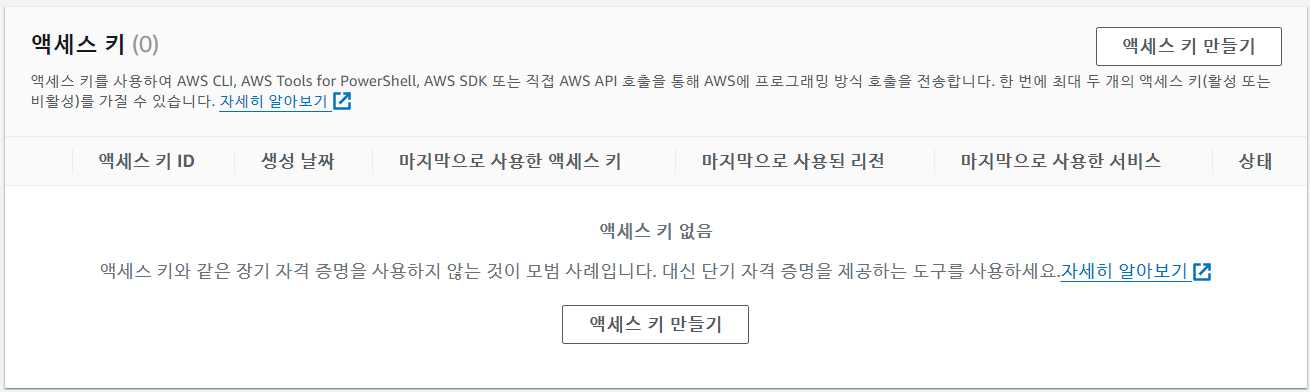
✅ 액세스 키 만들기
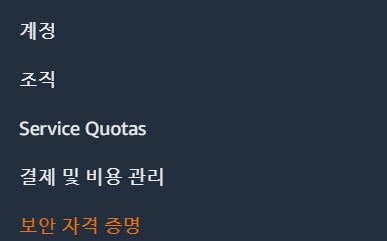
• 오른쪽 위 닉네임 클릭 후 보안 자격 증명
• 액세스 키 만들기
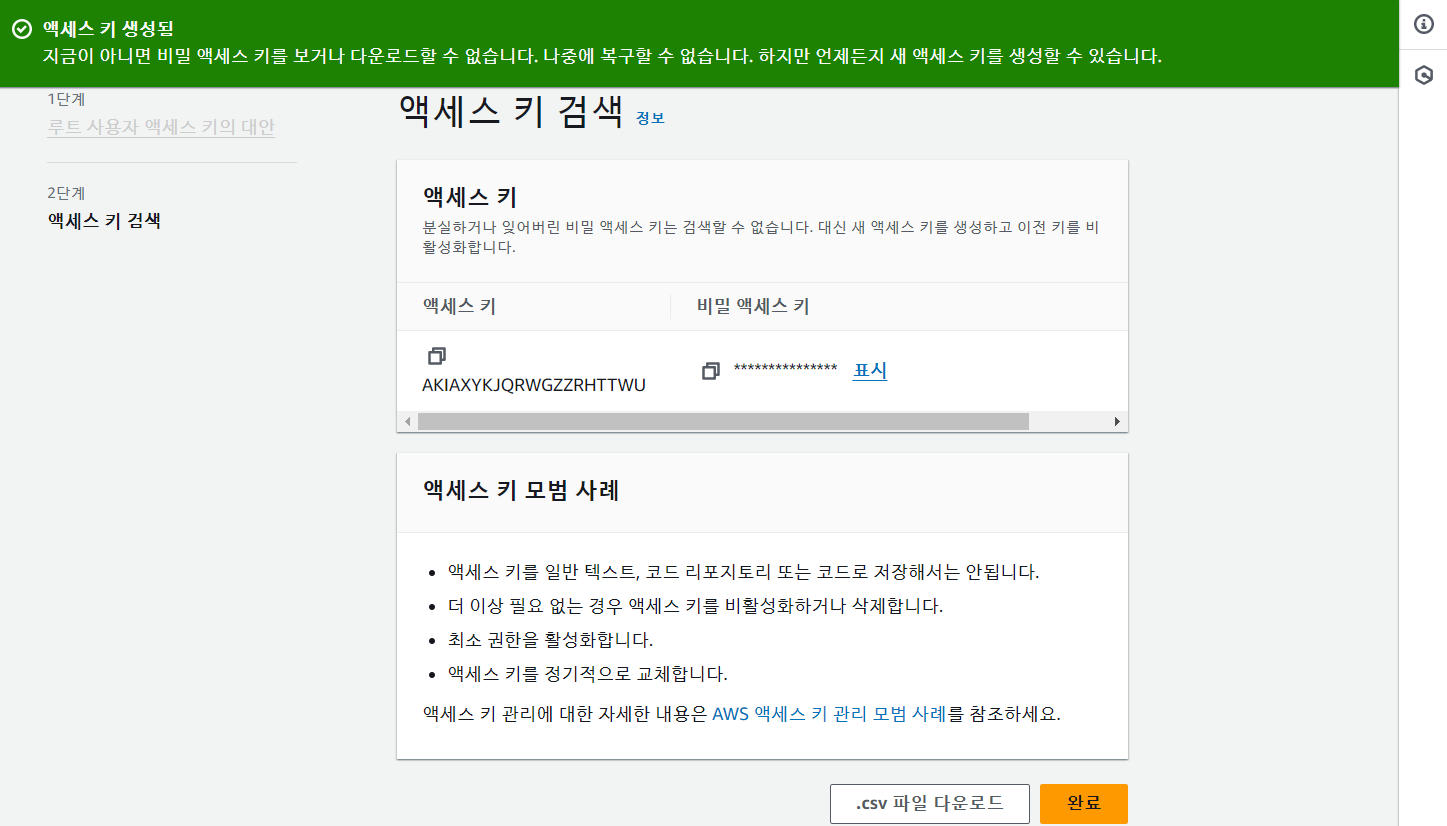
• 미리 비밀 엑세스 키 저장해놓기
✅ awscli 설치
apt install -y awscli
✅ aws 설정
aws configure
AWS Access Key ID [None]: AKIAXYKJQRWGXHIQGBNA
AWS Secret Access Key [None]: 비밀 엑세스 키
Default region name [None]: ap-northeast-1
Default output format [None]: 그냥 엔터
✅ vpc 정보 확인
aws ec2 describe-vpcs

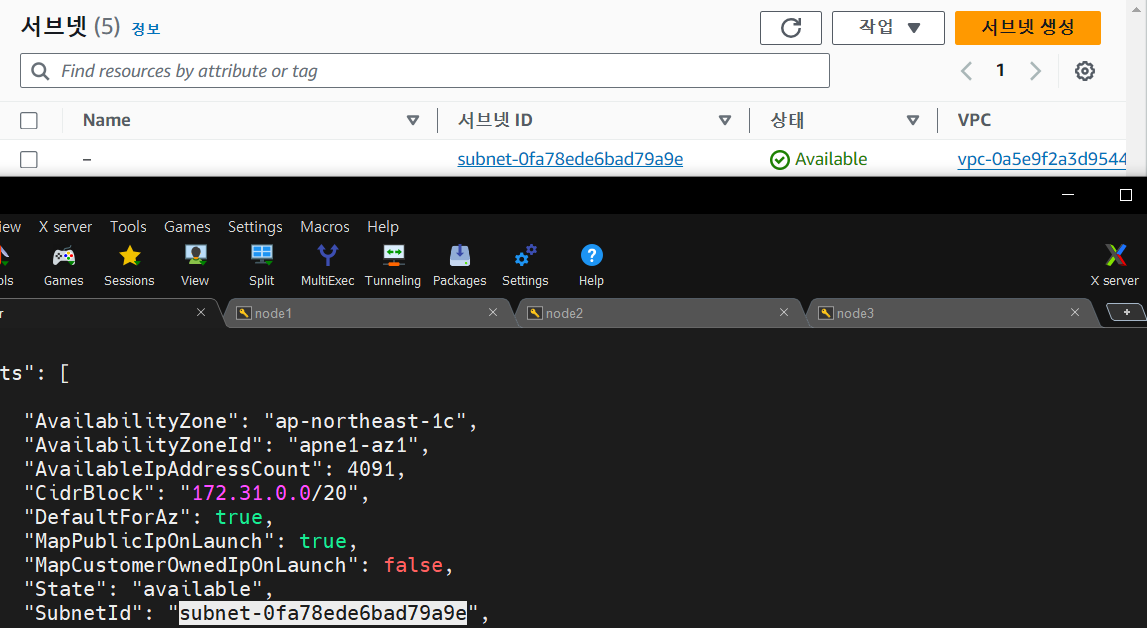
✅ subnet 정보 확인
aws ec2 describe-subnets

✅ eksctl 설치
curl --silent --location \\
 "<https://github.com/weaveworks/eksctl/releases/latest/download/eksctl_$>(uname -s)_amd64.tar.gz" | tar xz -C /tmp
mv /tmp/eksctl /usr/local/bin
✅ eksctl 명령어 사용 가능
eksctl

✅ eksctl을 통한 클러스터 구축
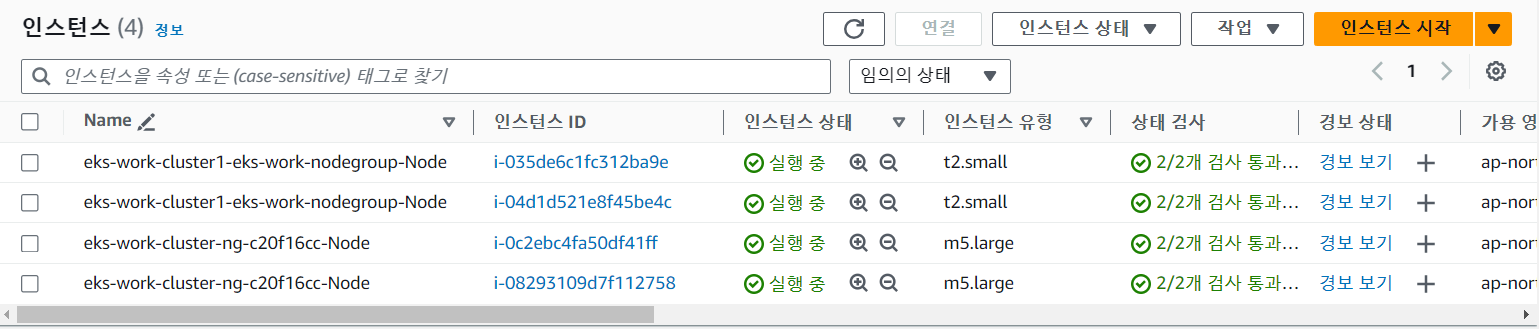
eksctl create cluster --vpc-public-subnets subnet-0fa78ede6bad79a9e,subnet-0b6558aa5bb7cb2d7,subnet-00bdc4c78386849b6 --name eks-work-cluster1 --region ap-northeast-1 --version 1.23 --nodegroup-name eks-work-nodegroup --node-type t2.small --nodes 2 --nodes-min 2 --nodes-max 4
❗️쿠버네티스 버전 에러뜰 때
2024-02-21 11:49:05 [✖] getting Kubernetes version on EKS cluster: error running `kubectl version`: exit status 1 (check 'kubectl --kubeconfig=/etc/kubernetes/admin.conf version')
apt autoremove kubectl
curl -O https://s3.us-west-2.amazonaws.com/amazon-eks/1.23.17/2024-01-04/bin/linux/amd64/kubectl
chmod +x ./kubectl
mkdir -p $HOME/bin && cp ./kubectl $HOME/bin/kubectl && export PATH=$HOME/bin:$PATH
echo 'export PATH=$HOME/bin:$PATH' >> ~/.bashrc
kubectl version --client
aws eks update-kubeconfig --region ap-northeast-1 --name eks-work-cluster1
✅ CloudFormation

✅ ec2 인스턴스
✅ node 확인
kubectl get node
kubectl get no -o wide
✅ 도커 재설치
for pkg in docker.io docker-doc docker-compose docker-compose-v2 podman-docker containerd runc; do sudo apt-get remove $pkg; done

sudo apt-get update
sudo apt-get install ca-certificates curl
sudo install -m 0755 -d /etc/apt/keyrings
sudo curl -fsSL <https://download.docker.com/linux/ubuntu/gpg> -o /etc/apt/keyrings/docker.asc
sudo chmod a+r /etc/apt/keyrings/docker.asc

echo \\
  "deb [arch=$(dpkg --print-architecture) signed-by=/etc/apt/keyrings/docker.asc] <https://download.docker.com/linux/ubuntu> \\
  $(. /etc/os-release && echo "$VERSION_CODENAME") stable" | \\
  sudo tee /etc/apt/sources.list.d/docker.list > /dev/null
sudo apt-get update

sudo apt-get install -y docker-ce docker-ce-cli containerd.io docker-buildx-plugin docker-compose-plugin
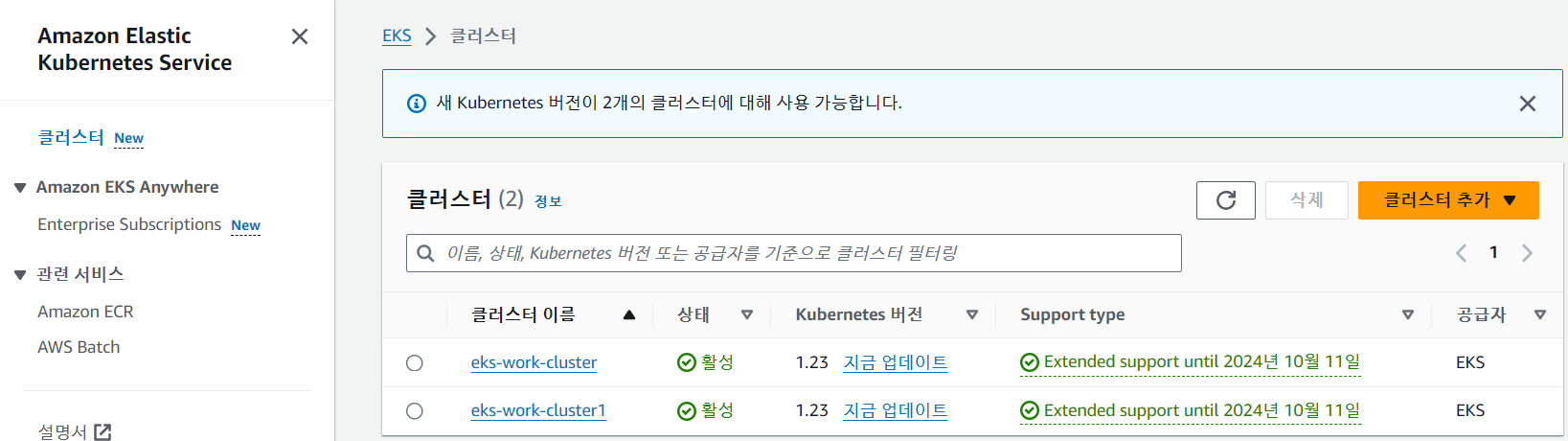
✅ 클러스터
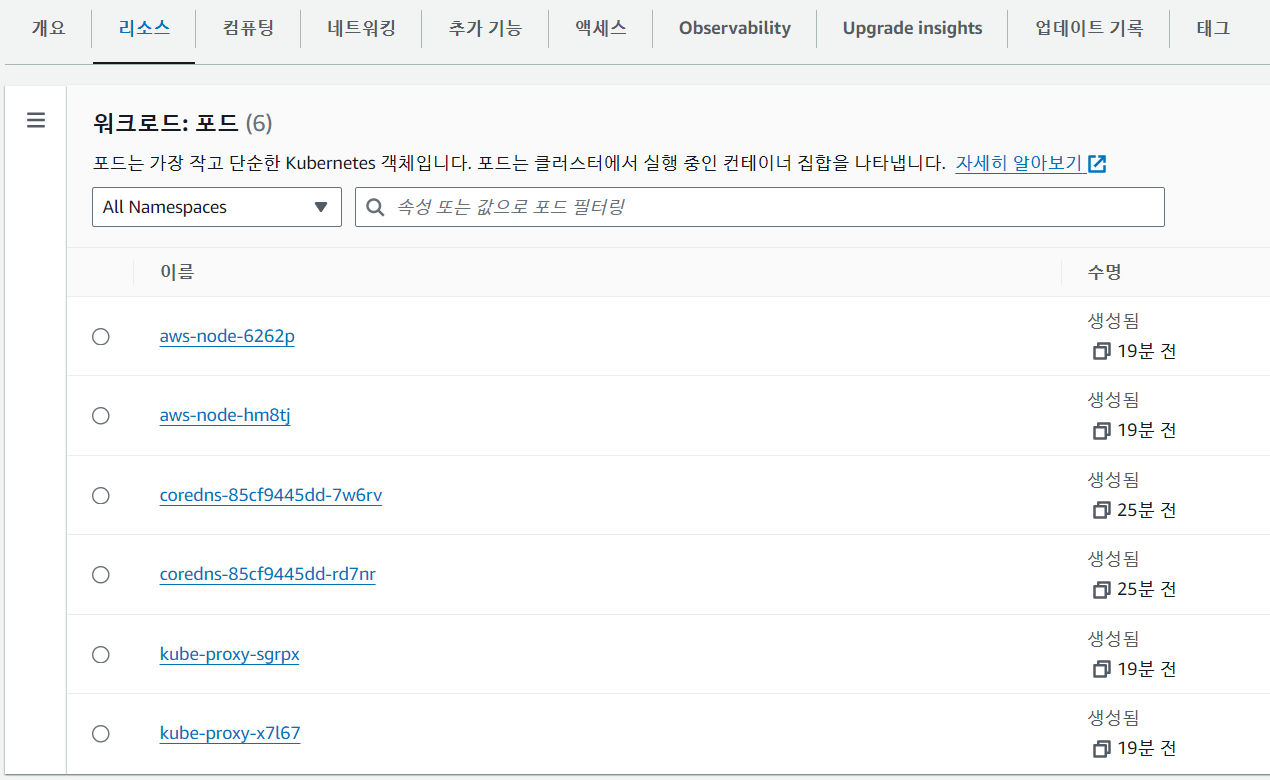
✅ 클러스터의 파드 확인
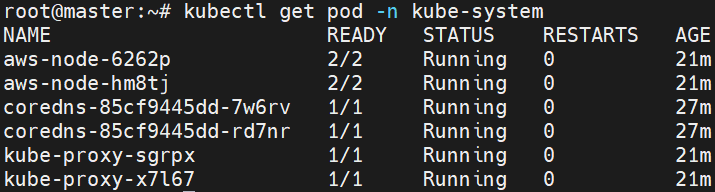
✅ ns, pod 확인
kubectl get ns
kubectl get pod -n kube-system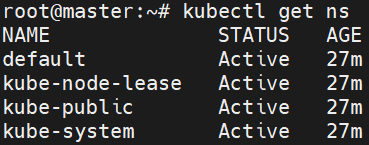
✅ pod 생성
apiVersion: v1
kind: Pod
metadata:
  name: nginx-pod
spec:
  containers:
  - name: nginx-ctn
    image: nginx
    ports:
    - containerPort: 80
nginx_pod.yaml
k apply -f nginx_pod.yaml
✅ 외부에 포트 임시 오픈
kubectl port-forward nginx-pod 8888:80
✅ 확인

728x90
'Linux > Kubernetes' 카테고리의 다른 글
| [AWS] k8s에서 LoadBalancer 구성하기 (classic, nlb) (0) | 2024.02.21 |
|---|---|
| [AWS] Amazon ECR - 프라이빗 리포지토리 생성하기 (0) | 2024.02.21 |
| [Kubernetes] 쿠버네티스 환경에서 Canary Update 실습 (0) | 2024.02.20 |


